
New student
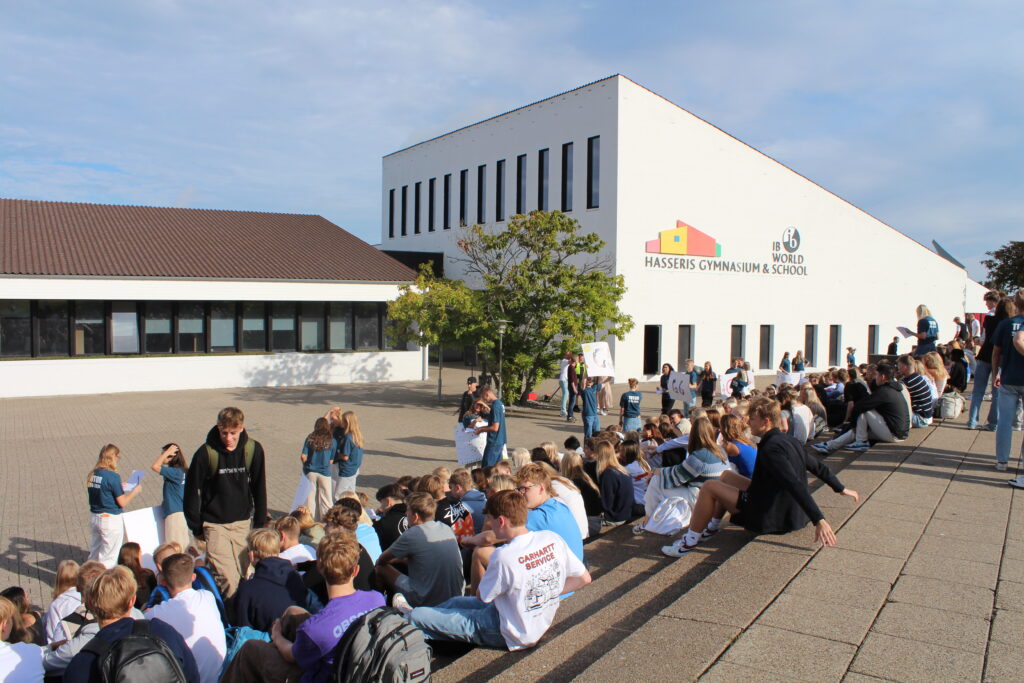
As a new student at Hasseris Gymnasium, you need to prepare for your first day of school. On this page you can read about everything you need to prepare before the start of your studies. You can choose to dive into the articles on this page or click read more and get a chronological list of what needs to be in place before your first day.
Which computer should I choose?
At Hasseris Gymnasium it is a requirement that you bring a computer for study purposes. Both a laptop with Windows 10/11 or a MacBook Air/Pro can be used for study purposes. Unfortunately, you cannot use a Chromebook or tablet.

One code for everything
You must use Unilogin for everything at the school Your Unilogin is always followed by @hasseris-gym.dk except on Lectio.
Programs we use in teaching.
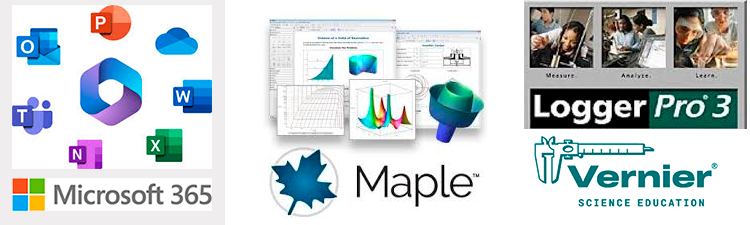
We primarily use the Microsoft 365 Office suite, but also use Maple and Logger Pro
Microsoft Teams part of your everyday life.
Our IT faculty empowers students' ambitions and skills.
OneDrive as an archive
You are expected to save all school-related work in OneDrive and always have it running on your computer.
Print - That's it!
You can always print via our webprint at webprint.hasseris-gym.dk
Automatic installation
Gain insights into programming, databases and networking with our IT courses.
Manual installation
IT at HG creates an environment where technology meets engagement and growth.
IT at HG is unique! Guiding resources ensure an excellent IT journey.

Thomas Fogh Thomsen
IT manager